Remote Support
Connect your on-site PC to our service team for live remote troubleshooting.
Remote support procedure
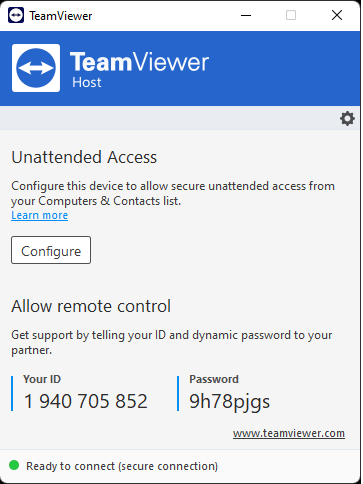
- 1Run the TeamViewer icon on the desktop. (an internet connection is required)
- 2Tell the ID number and password shown on screen to the remote-support staff.
- 3Once connected, the engineer inspects and controls the PC via screen share.
Don't have TeamViewer installed?
Download TeamViewer (Host)Run the downloaded file to install, then follow the steps above.
TeamViewer screens